環境構築
Vite を使用してプロジェクトを迅速に構築しますTaskHub、Vite の内容は参考:Vite チュートリアル。
1. プロジェクトの作成
ターミナルを開き、以下のコマンドを実行して Vite + Vue3 プロジェクトを作成します(Script Setup 構文を選択):
# npm 命令
npm create vite@latest task-hub -- --template vue

# yarn 命令
yarn create vite task-hub --template vue

# pnpm 命令(推荐,速度更快)
pnpm create vite task-hub -- --template vue
実行が成功すると、以下のように出力されます:

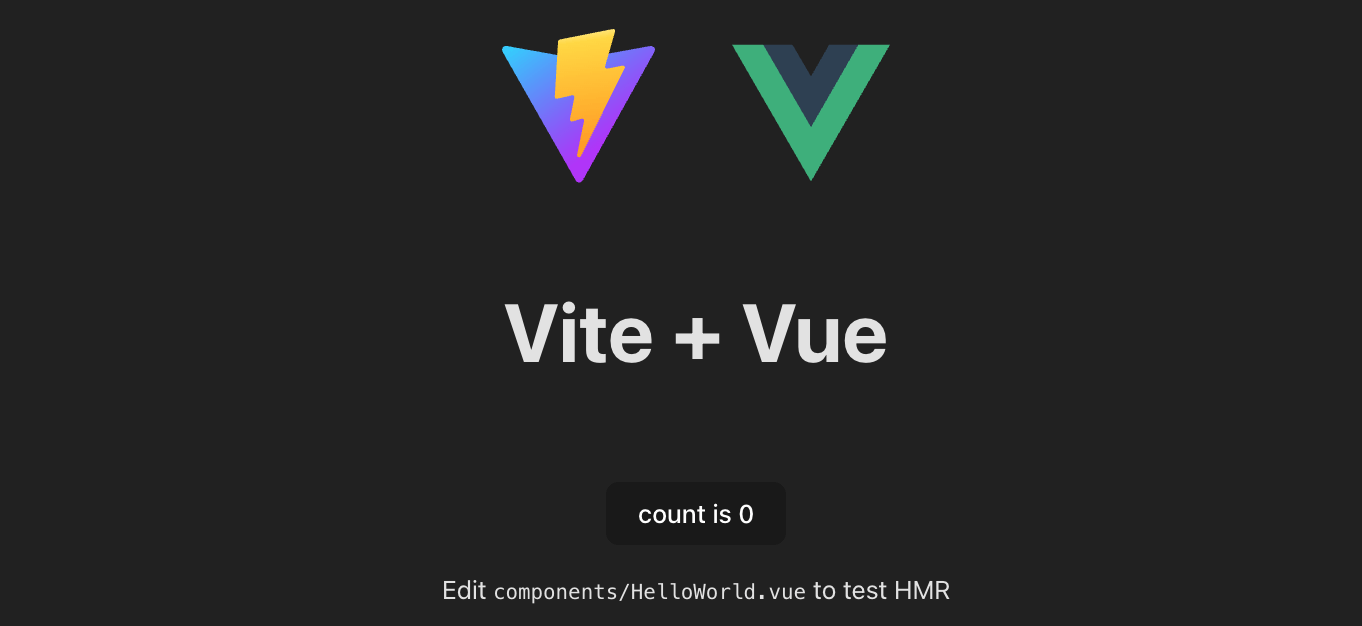
起動が成功したら、ターミナルに表示されるローカルアドレス(デフォルトは http://localhost:5173/)にアクセスすると、Vue3 の初期ページが表示されます。
2. プロジェクトディレクトリ
ディレクトリに入ることができます:
cd task-hub
VS Code をインストールしている場合は、VS Code の code コマンドを使用してディレクトリを開くことができます。VS Code の内容は参考:VS Code チュートリアル。
code .
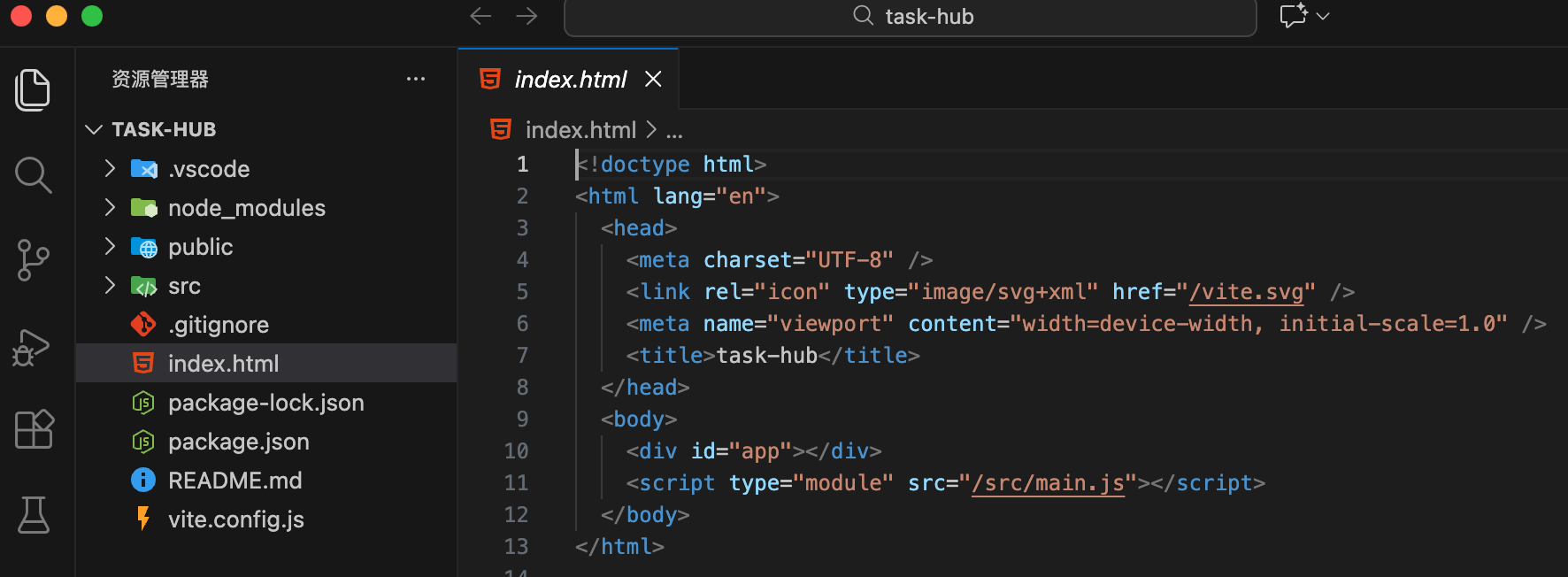
起動後のディレクトリ構造は以下の通りです:
その他の関連コマンド:
# 安装依赖
npm install

# 启动
npm run dev
# 清理默认代码
2. デフォルトコードの整理
src/components/HelloWorld.vue を削除します。
src/style.css を空にします。
src/App.vue を以下のコードに変更します:
実例
<script setup>
// JS ロジック
</script>
<template>
<div>
<h1>TaskHub</h1>
</div>
</template>
// JS ロジック
</script>
<template>
<div>
<h1>TaskHub</h1>
</div>
</template>
Tailwind CSS の導入
原子化 CSS フレームワークをインストールして設定します。
npm install tailwindcss @tailwindcss/vite
vite.config.js を変更します:
実例
import { defineConfig } from 'vite'
import vue from '@vitejs/plugin-vue'
import tailwindcss from '@tailwindcss/vite'
import path from 'path'
export default defineConfig({
plugins: [
vue(),
tailwindcss(), // Tailwind v4 エンジンを有効化
],
resolve: {
alias: {
'@': path.resolve(__dirname, './src'), // パスエイリアスの設定
},
},
})
import vue from '@vitejs/plugin-vue'
import tailwindcss from '@tailwindcss/vite'
import path from 'path'
export default defineConfig({
plugins: [
vue(),
tailwindcss(), // Tailwind v4 エンジンを有効化
],
resolve: {
alias: {
'@': path.resolve(__dirname, './src'), // パスエイリアスの設定
},
},
})
v4 では、Tailwind は Vite プラグインとして動作し、.vue ファイルを自動的にスキャンします。
src/style.css でインポートします:
Tailwind v4 では、すべての設定(テーマ、変数)は CSS に直接記述します。src/style.css を以下のようにリセットします:
実例
@import "tailwindcss";
/* v4 でテーマ変数を定義する方法 */
@theme {
--color-brand: #3b82f6;
--radius-xl: 1rem;
}
/* グローバル基本スタイル */
@layer base {
body {
@apply bg-slate-50 text-slate-900 antialiased;
}
}
/* v4 でテーマ変数を定義する方法 */
@theme {
--color-brand: #3b82f6;
--radius-xl: 1rem;
}
/* グローバル基本スタイル */
@layer base {
body {
@apply bg-slate-50 text-slate-900 antialiased;
}
}